
1. Go to Website: rfms.com
2. Click on My Account.
3. Log in using Customer Number as Username.

If you are the local IT for a client that uses RFMS - please contact help@rfmsanz.com and one of the team should be able to help you.
4. Click on the Current Version Button.
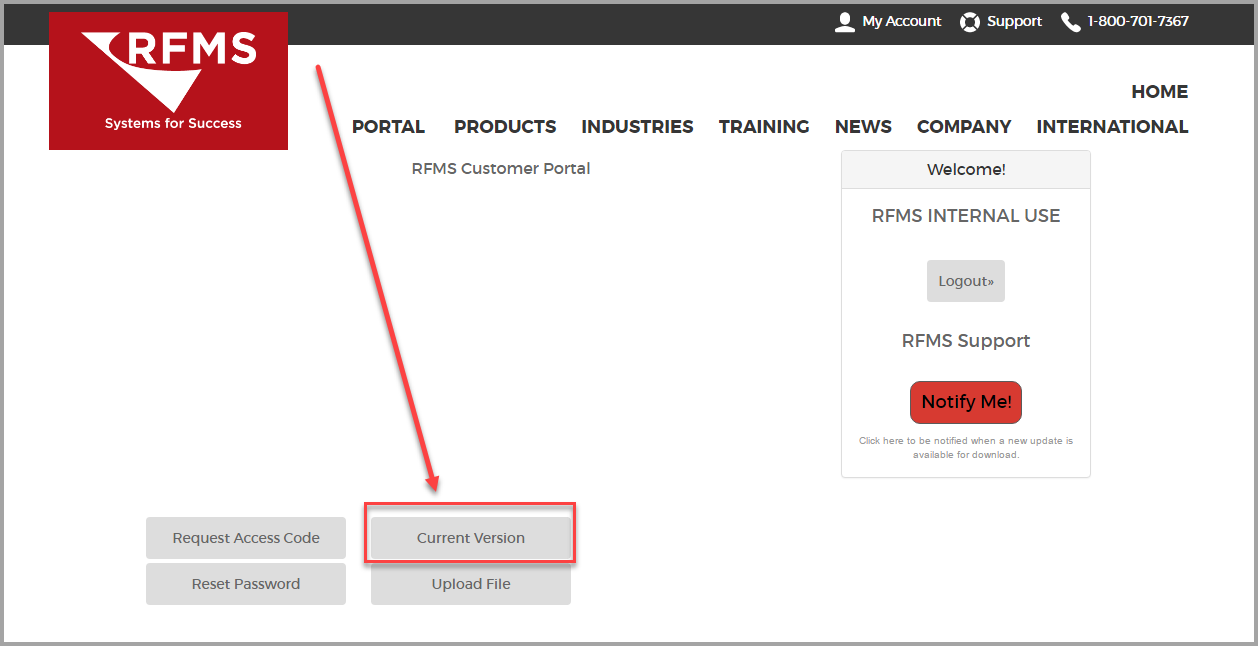
5. Under the Category RFMS CORE, Click the link RFMS Update. For the Update Document, click Documentation and for Release Notes, click Release Notes.
6. Save the file, DO NOT run it directly from the internet.
Comments
0 comments
Please sign in to leave a comment.